[October Release] DS Algorithm Redesign & Updated UI Components
Modified on: Mon, 28 Sep, 2026 at 6:54 PM
Today we are excited to share our latest update with you.
In this release:
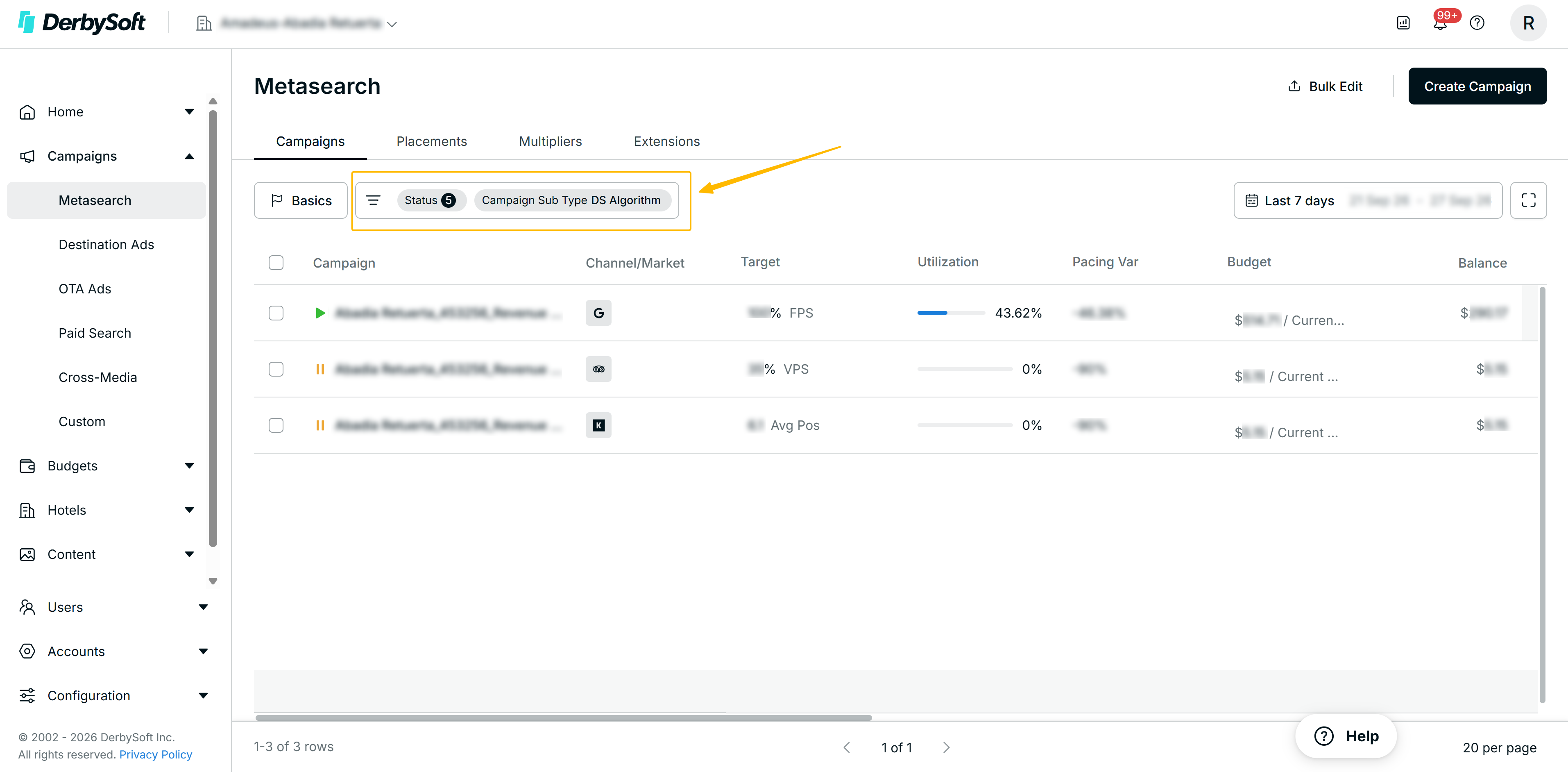
- The DS Algorithm Campaign Subtype page has been redesigned to match the style of CLICK V2, bringing a consistent and modern experience across the platform.
- A new Floating Action Bar appears when multiple hotels are selected, giving you quick access to bulk actions.
- Filters now support fuzzy search and a streamlined dropdown interaction for faster navigation across dashboards and reports.
- Column order in the campaign list is now fully customizable via Configure Columns.
 What's new
New Visual Design
The DS Algorithm Campaign subtype page — including the hotel list, market view, placement view, and settings — have been updated to match the latest design style of the CLICK platform. The refreshed layout, visual style, and interaction patterns are now fully consistent with other campaign subtypes, making it easier to navigate and manage your DS Algorithm campaigns without switching mental models.
Floating Action Bar
A Floating Action Bar now appears at the bottom of the screen whenever you select multiple hotel items in the DS Algorithm Campaign list. This bar gives you a fast and clear way to take bulk actions without losing your place on the page.
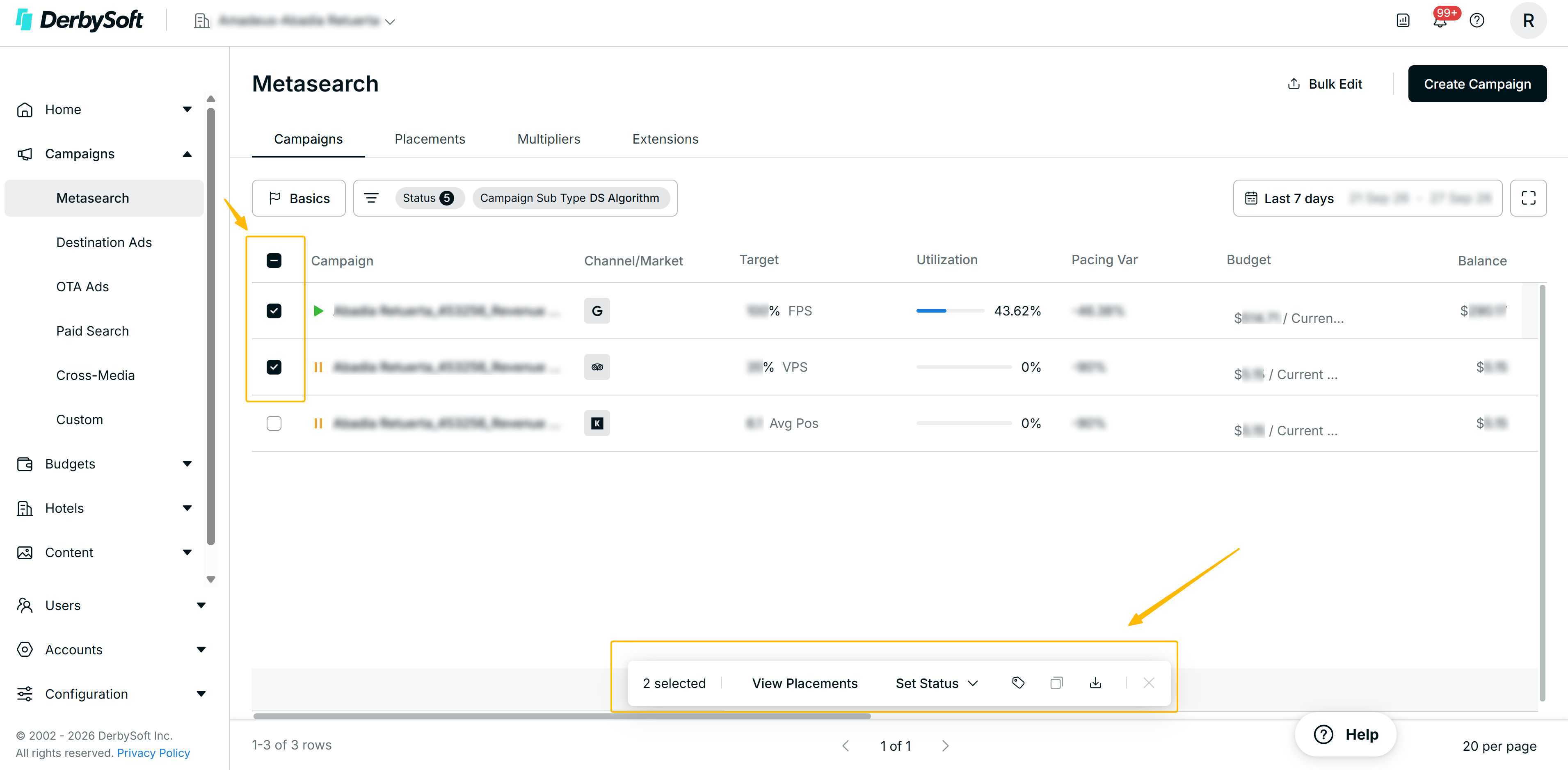
How to use the Floating Action Bar:
To trigger the Floating Action Bar and take bulk actions on multiple hotels, follow these steps:
- Select two or more hotel items from the campaign list. The Floating Action Bar will appear automatically at the bottom of the screen.
- The bar displays the number of items currently selected.
- Click Select All to include all available hotel items in your selection.
- Use the available action buttons — View Placement, Reset Target, and Download — to perform bulk operations on your selected hotels.
- Deselect all items to dismiss the Floating Action Bar.
Filter — Fuzzy Search and Streamlined Dropdown
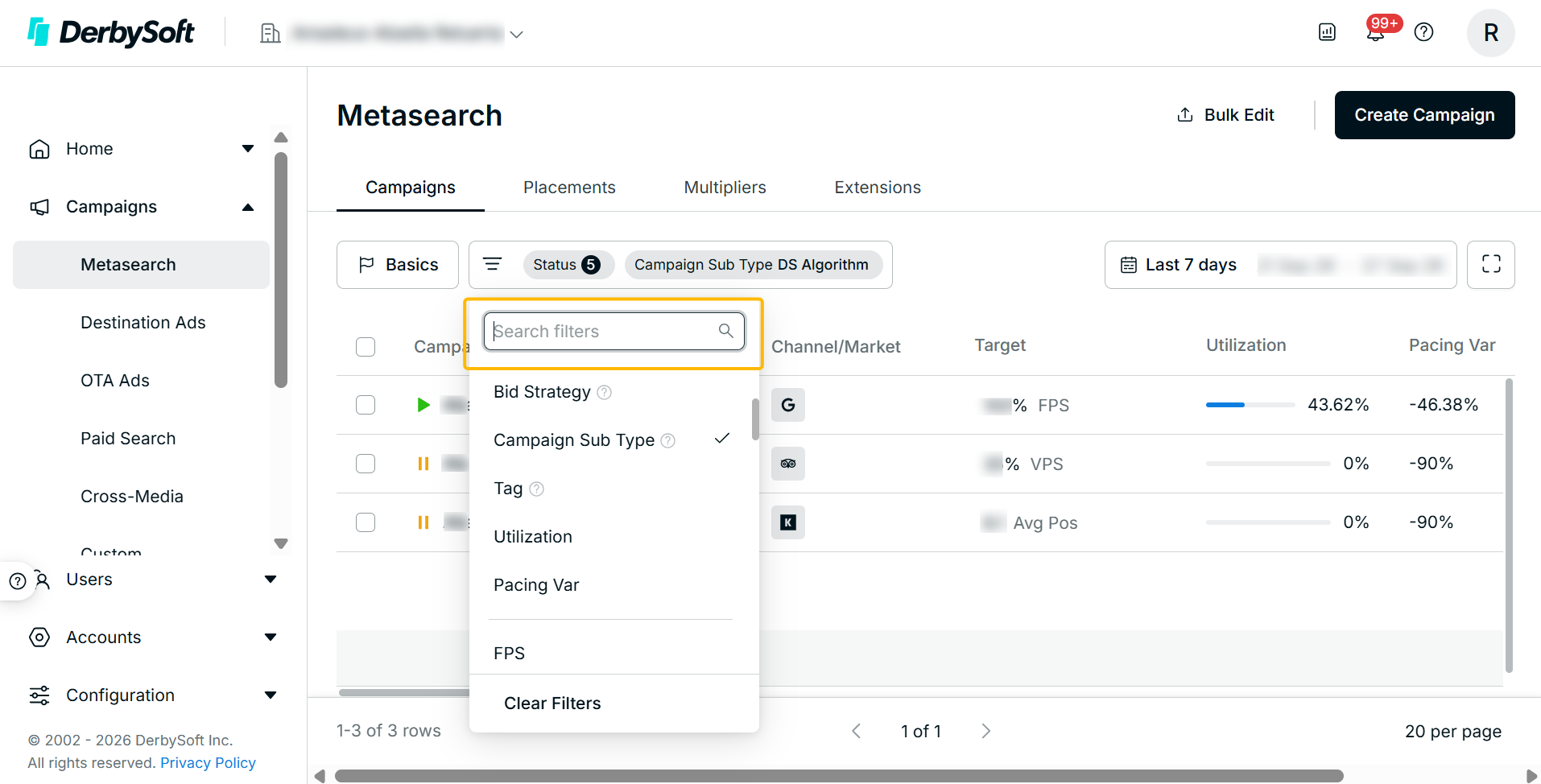
The filter experience across both the Dashboard and Report modules has been improved for consistency. When you click the filter, the default selection is automatically set to a single option — either Report or Dashboard — and the corresponding list of available items loads immediately in the sub-dropdown. You can also type directly into the dropdown to use the fuzzy search feature, making it faster to find the exact dashboard or report you need.
Customizable Column Order
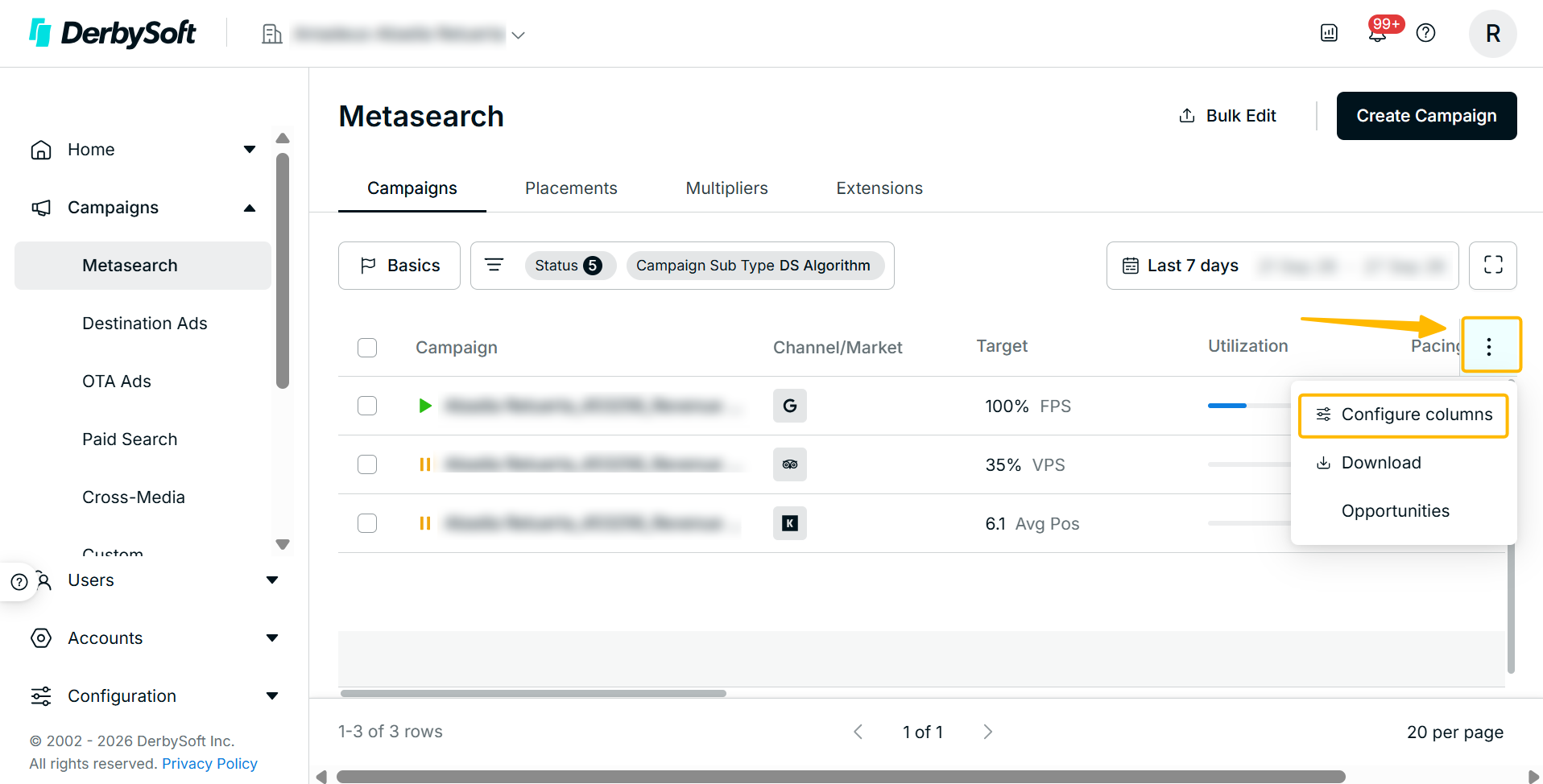
You now have full control over the column layout in the DS Algorithm Campaign list. By default, columns appear in the same order as the previous version so your existing workflow is not disrupted. When you want to adjust the layout, open Configure Columns on the right side of the list to drag and reorder columns to suit your preferences. Your custom column order will be saved for future sessions.
We would love to hear from you!
We are constantly working on improving your experience with Click, creating the best place for your campaigns, and providing you with the necessary tools for easy management.
Want to help us make it better? Tap on the Feedback button in Click to tell us what you'd like to see next.
Did you find it helpful? Yes No
Send feedback